Last updated 24 September 2026.
To get more test drive bookings from your dealer website, work on the vehicle pages first: real photos, a clear price with monthly finance, and a “Book a Test Drive” button that is visible without scrolling on a phone. Then make the booking form short, show buyers why they can trust you, and track which changes bring in more bookings. The sections below go through each step.
How do you get more test drive bookings from a dealer website?
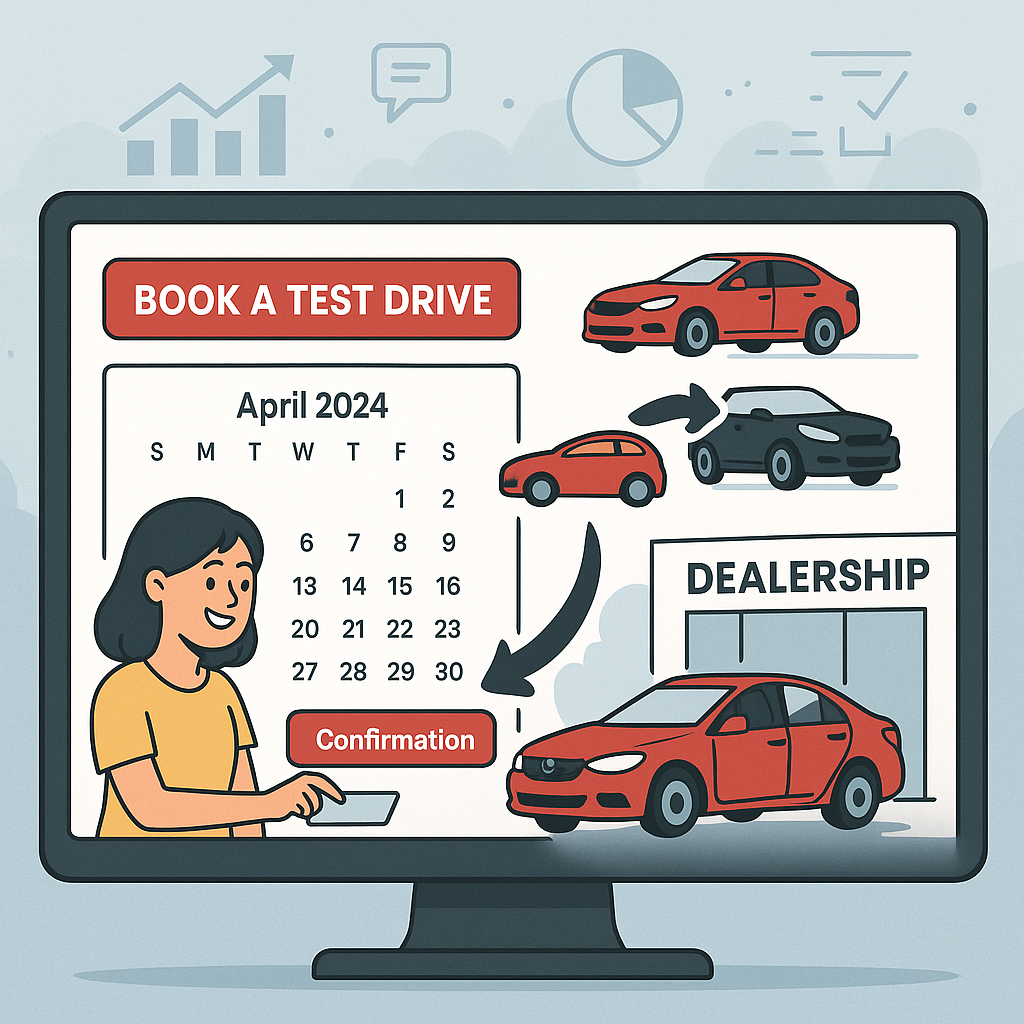
Make the vehicle detail page do the work. Show plenty of real photos, the cash price and monthly payment, and the key specs, and put a specific "Book a Test Drive" button above the fold alongside call, WhatsApp and enquiry options. Keep forms to name, phone and email, make the site fast on mobile, and display your reviews and warranty.
Why conversion rate matters more than traffic
Getting more of your existing visitors to book is usually cheaper than buying more visitors. Many dealers spend on traffic through Google Vehicle Ads, PPC or social media, but a better conversion rate lifts every one of those channels at once.
Here’s a simple example. If your website gets 5,000 visitors a month and 2% of them enquire, that’s 100 enquiries. Raise that to 3% and you get 150 enquiries from the same traffic, 50% more without spending anything extra on advertising.
The vehicle detail page matters most
The vehicle detail page (VDP) is where most buyers decide whether to enquire, call, book a test drive or leave. Improving it has the biggest effect on your conversion rate.
Photos
Photos are the part of a vehicle page buyers look at first, so give them plenty:
- shoot every angle: front, rear, side and three-quarter outside; dashboard, seats and boot inside
- shoot in good natural daylight
- clean the car first, every time
- use photos of the actual car, not stock images, because buyers don’t trust them
- aim for 15 to 20 photos or more, so buyers can see the whole car
Price
Buyers look for the price straight away, so put it where they can see it:
- show the cash price clearly, without making buyers click to see it
- show finance next to it, as “From £199/month” makes a car feel more affordable
- if you price match or are open to offers, say so
Specs and features
Give buyers the details they need to decide without phoning you:
- key specs at a glance: year, mileage, fuel type, gearbox, engine size and colour
- the full spec list: equipment, safety features and technology
- history: MOT history, service record and number of owners
- ULEZ compliance, which matters more and more to buyers in cities
Calls to action
This is where many dealer websites fall down. Your buttons should be:
- visible without scrolling, on desktop and on mobile
- specific: “Book a Test Drive” works better than a vague “Enquire Now”
- varied, because not every buyer wants to fill in a form, so offer:
- an enquiry form
- a click-to-call button, easy to find on mobile
- WhatsApp or live chat
- test drive booking
- “Reserve this vehicle”
Enquiry Form
A short form: name, phone and email
Click to Call
One tap to call from a phone
Test Drive
A booking form with date and time
Quick answers by message
Make it work on mobile
Most car buyers browse on their phones, so if your site is awkward on mobile you lose a large share of your leads.
Mobile essentials
- Fast pages. Aim for pages that load in under three seconds. The slower the page, the more people leave.
- Big buttons. Make them easy to tap with a thumb.
- Click-to-call. A phone button that works with one tap.
- Short forms. Name, phone number and email are enough for a first enquiry.
- Swipeable galleries. Let buyers flick through photos on a touchscreen.
- A sticky contact bar. Keep a call or enquiry bar fixed at the bottom of the screen as buyers scroll.
Forms on mobile
Forms are where most mobile buyers give up, so make them as easy as you can:
- use as few fields as possible, as every extra one means fewer completed forms
- use the right input types, so phone fields open the number keypad and email fields show the @ key
- don’t make buyers create an account, which puts most of them off straight away
- if the form has several steps, show how far through they are
Show finance on every car
Showing finance helps turn browsers into bookings. Many UK used car buyers pay on finance, and a monthly figure makes a car feel within reach.
How to show finance on your website
- On the vehicle page. Show the monthly payment next to the cash price.
- With a calculator. Let buyers change the deposit, term and mileage to see their own figure. Our website finance calculator shows monthly payments on every vehicle page.
- Openly. Show the representative APR, total amount payable and any fees.
- With an online application. Let buyers apply straight from the vehicle page.
If you use a finance integration such as Codeweavers or iVendi through your DMS, finance figures can appear on every vehicle page automatically, so they’re accurate and compliant.
Give buyers reasons to trust you
Buyers won’t get in touch until they trust you, so show them:
- Google reviews. Display your rating and some of your reviews where buyers will see them. Our review tools for dealers help you collect more.
- Trade memberships. Show the logos of the trade bodies you belong to.
- History checks. Show that your cars come with a history check. Our MotorCheck integration provides these.
- Warranty. Say clearly what warranty comes with each car.
- Returns. If you offer a returns window, make it easy to find.
- Contact details. Give your full address, phone number, email and opening hours so buyers know who they’re dealing with.
Keep the site fast
A slow website loses bookings, because buyers leave before the page loads. Google also uses page speed when ranking sites, so a slow site gets found less often too.
Speed checklist
- Compress photos without losing visible quality.
- Use a content delivery network (CDN) to serve files from servers close to the buyer.
- Cut unnecessary code, especially JavaScript and CSS.
- Turn on browser caching so returning visitors load pages faster.
- Use modern image formats such as WebP, which compresses better than JPEG or PNG.
Haswent’s dealer websites are built with speed as a priority, so they load fast on every device.
Make stock easy to search
Buyers can only book a test drive on a car they can find, so make searching easy:
- Prominent search by make, model, price range, fuel type and body style.
- Filters that work together, so buyers can narrow results by several things at once.
- Sorting by price, newest first, mileage or recently added.
- A result count showing how many cars match.
- No dead ends. If a search finds nothing, suggest something close.
Measure what works and keep improving
Track every kind of enquiry, so you can tell which changes bring in more bookings.
Track every lead
Set up conversion tracking for:
- form submissions (enquiries, test drive bookings, finance applications)
- phone calls (call tracking shows which source each call came from)
- WhatsApp clicks
- live chat conversations
- requests for directions
Test and adjust
Small changes can make a real difference:
- Test button wording, for example “Book a Test Drive” against “Arrange a Viewing” or “Get in Touch”.
- Test button colours and positions so they stand out.
- Try shorter forms, as fewer fields usually means more completed forms.
- Look at heatmaps to see where buyers click and where they leave the page.
Test drive bookings also depend on who sees your stock in the first place. Short videos are one way to reach more local buyers, and our guide to TikTok and Instagram Reels for car dealers explains how to get started.
Build a website that gets bookings
Your website should be your hardest-working salesperson, open all hours, showing all your stock and making the next step easy. Our dealer websites are built to turn visitors into enquiries, with fast pages, a mobile-first design, built-in finance and clear buttons on every page. For the rest of what a dealer site needs, see our guide to car dealer website design.
Get in touch with our team to see how Haswent can help you turn more website visitors into real leads.